How Easy Is It to Create a Story With Your Whole Family and Pets
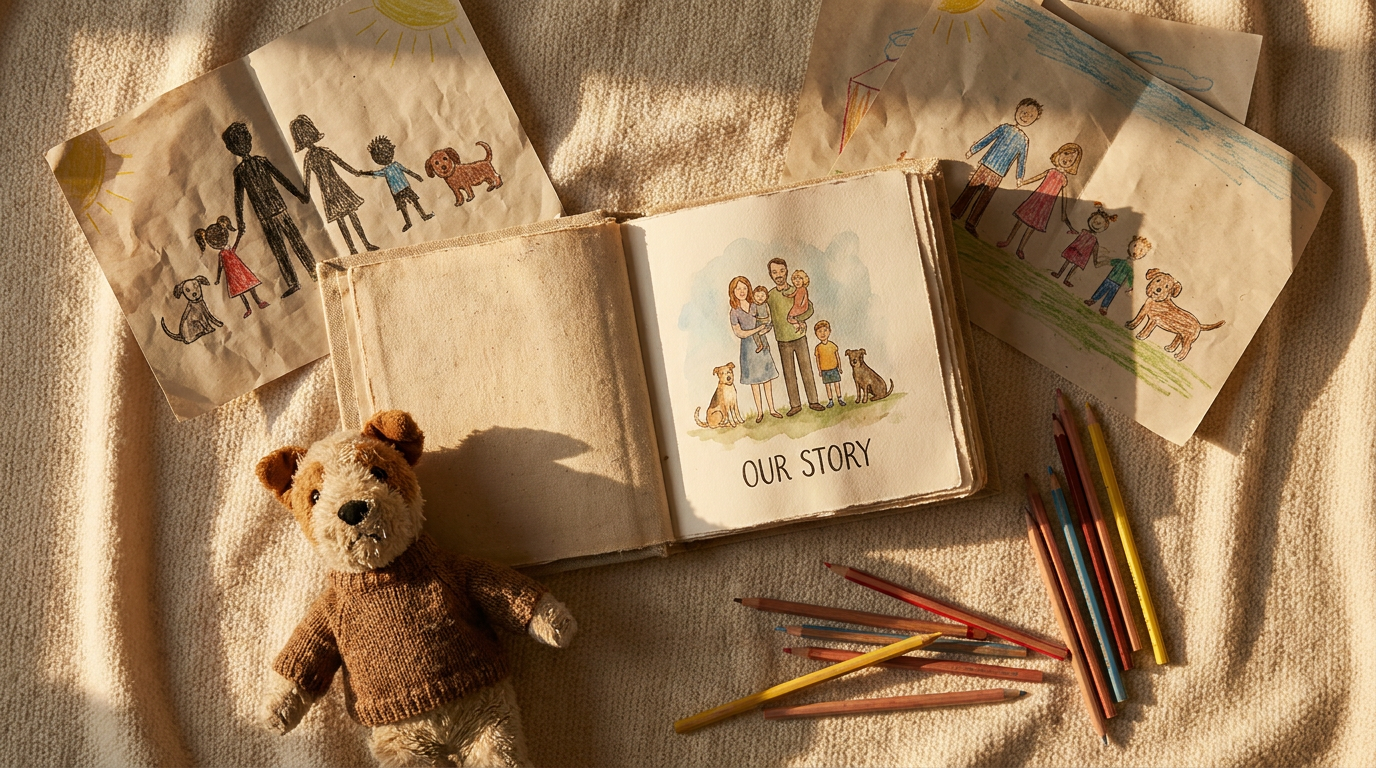
Creating a personalized storybook used to mean hiring an illustrator, waiting months, and spending a small fortune. With StoryKid, the whole family — siblings, grandparents, best friends, and yes, even the family dog — can star in a beautifully illustrated children's book in about an hour. Here's exactly how easy it is.
You Only Need a Few Things to Get Started
Before you even open the questionnaire, the prep work is surprisingly minimal. According to StoryKid's own guide, here's all you need:
- An optional photo of your child (the book works perfectly without one)
- Your child's name, age, and a few personality traits
- A favourite theme — think space, dinosaurs, kindness, or courage
- About 10 minutes to fill everything in
That's it. No design skills, no writing experience, no lengthy onboarding process.
The Questionnaire Is Where the Magic Happens
Once you've chosen your book tier (more on that in a moment), you'll land on the questionnaire — roughly 17 short questions that tell the AI everything it needs to know to write a story that truly feels like your child.
You'll describe your child's looks, personality, and favourite things. You'll paint a picture of the kind of adventure they'd love. And crucially, this is where you introduce the rest of the cast: siblings, pets, friends — anyone you want woven into the story.
StoryKid calls this group the Cast — the set of characters who appear consistently throughout the book. Before a single page is illustrated, StoryKid generates a cast sheet: a single reference image of every character. This is the secret ingredient that ensures your daughter, your son, and even your golden retriever all look exactly the same on every page, from the opening spread to the final scene.
Every Character Gets Their Own Consistent Look
Here's the part parents love most: visual consistency. Because every illustration is generated using that cast sheet as a reference, there's no jarring moment where Grandma suddenly has different hair or the family cat changes colour mid-story. The whole crew stays true to themselves, page after page.
If a character's illustration doesn't look quite right, you can simply click Regenerate on that page and get a fresh version in about 30 seconds.
Choose the Right Book Size for the Occasion
StoryKid offers three tiers, so you can match the book to the moment:
- Dreamer — the shortest book, fewest illustrations, lowest price. Perfect for a quick but meaningful gift.
- Explorer — mid-length with more illustrated spreads. A great everyday choice.
- Legend — the flagship option. The longest story, the most illustrations, and a hand-feel hardcover quality that makes it a true keepsake.
Not sure which to pick? Start with Explorer in digital format — you can always upgrade to print after you've seen the result.
The Story Writes Itself (Really)
Once you hit Generate my story, StoryKid's AI gets to work. Here's what happens behind the scenes:
- Your questionnaire answers are sent to an AI writing model along with StoryKid's story structure for your chosen tier.
- The AI writes a complete story — beginning, middle, and end — with your child as the hero and every cast member playing their part.
- The story is split into pages, each with illustration prompts.
- Illustrations stream in one by one as they finish, so you can start reviewing them almost immediately.
The story itself takes 1–3 minutes to generate. Illustrations follow over the next 5–20 minutes, depending on your tier. By the time you've made a cup of tea, your family's adventure is taking shape on screen.
You're in Control of the Final Result
Not happy with the first draft? No problem. You can regenerate the story up to three times per order, and you can even leave a short note to guide the next version — something like "make it more adventurous" or "include more scenes with the pet."
Once the story reads exactly the way you want it, approve it to kick off the illustration phase. Then review every spread on the preview page, regenerate any image that doesn't look right, and hit Approve and finish when you're ready.
Print It, Share It, or Listen to It
Your finished book can be delivered as a digital PDF, a softcover paperback, or a hardcover that looks and feels like a genuine children's book from a bookstore shelf. Both print formats use the same high-quality interior pages.
Want to go one step further? Add an audiobook to your order — record a short voice sample and StoryKid will narrate the whole story in your voice. You can even share a listen-only link with grandparents so they can hear it without needing access to your account.
The Bottom Line
Creating a StoryKid book with your whole family — multiple kids, pets, friends, and all — is genuinely straightforward. Fill in a short questionnaire, introduce your cast, and let the AI handle the writing and illustrating. In about an hour, you'll have a story where everyone who matters gets to be part of the adventure.
Ready to get started? Head to Storykid.ai and bring your family's story to life.
Stories about stories — Occasional notes on personalised storytelling and the StoryKid journal. No spam, unsubscribe anytime.